Video Download
Paste a link and pull the video down: pick the quality, keep or embed the subtitles.
- Group
- Video
- Runs on
- yt-dlp
An AI content studio
Find what is working, cut the clip, write the script, render it and publish
Find the format that is already working.
Cut the moment with a hook, a turn, a payoff.
Write the script one sentence at a time.
Publish from the library it rendered into.
Inside
No renders, no mock-ups: these are the seven screens the workflow runs through.
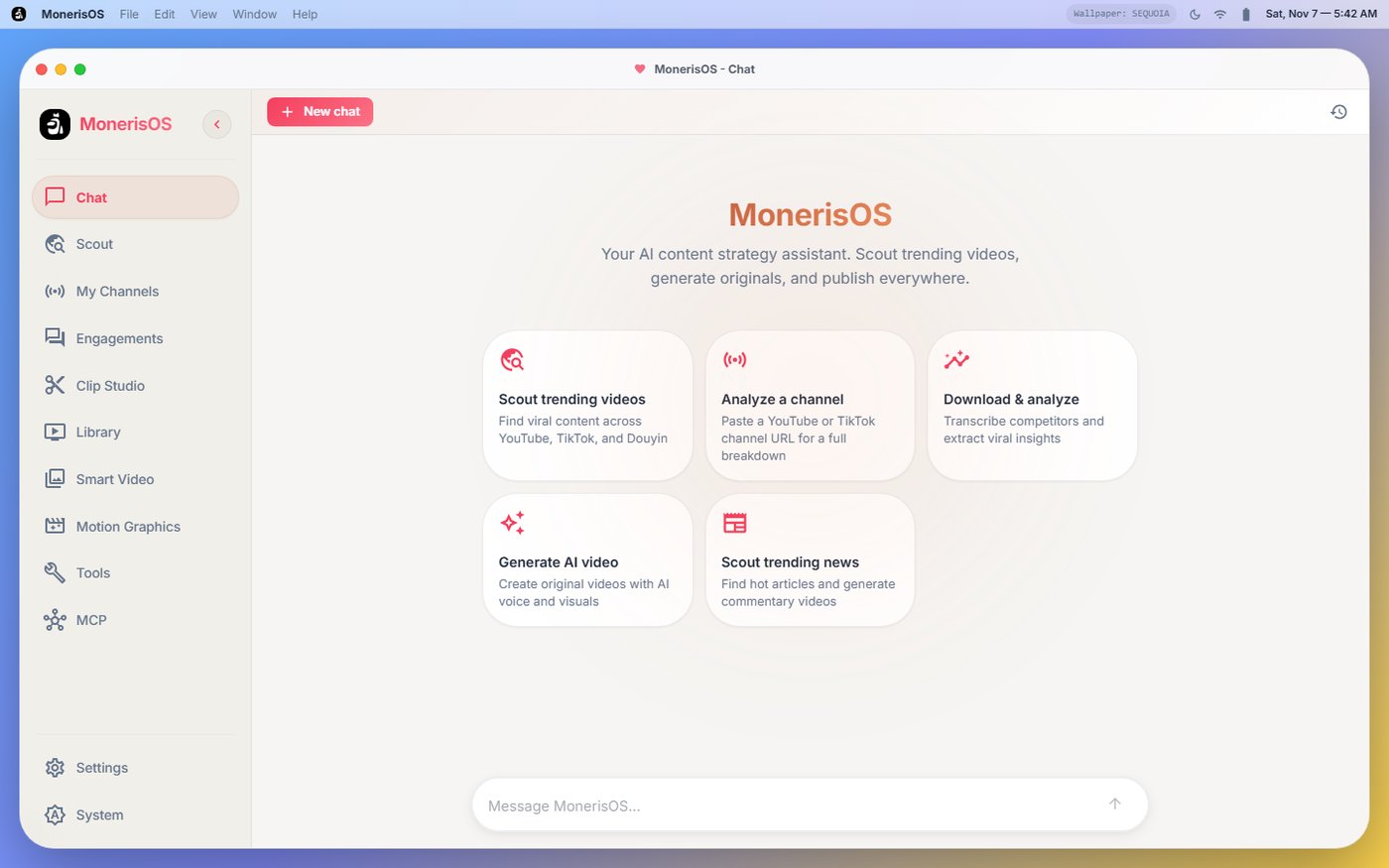
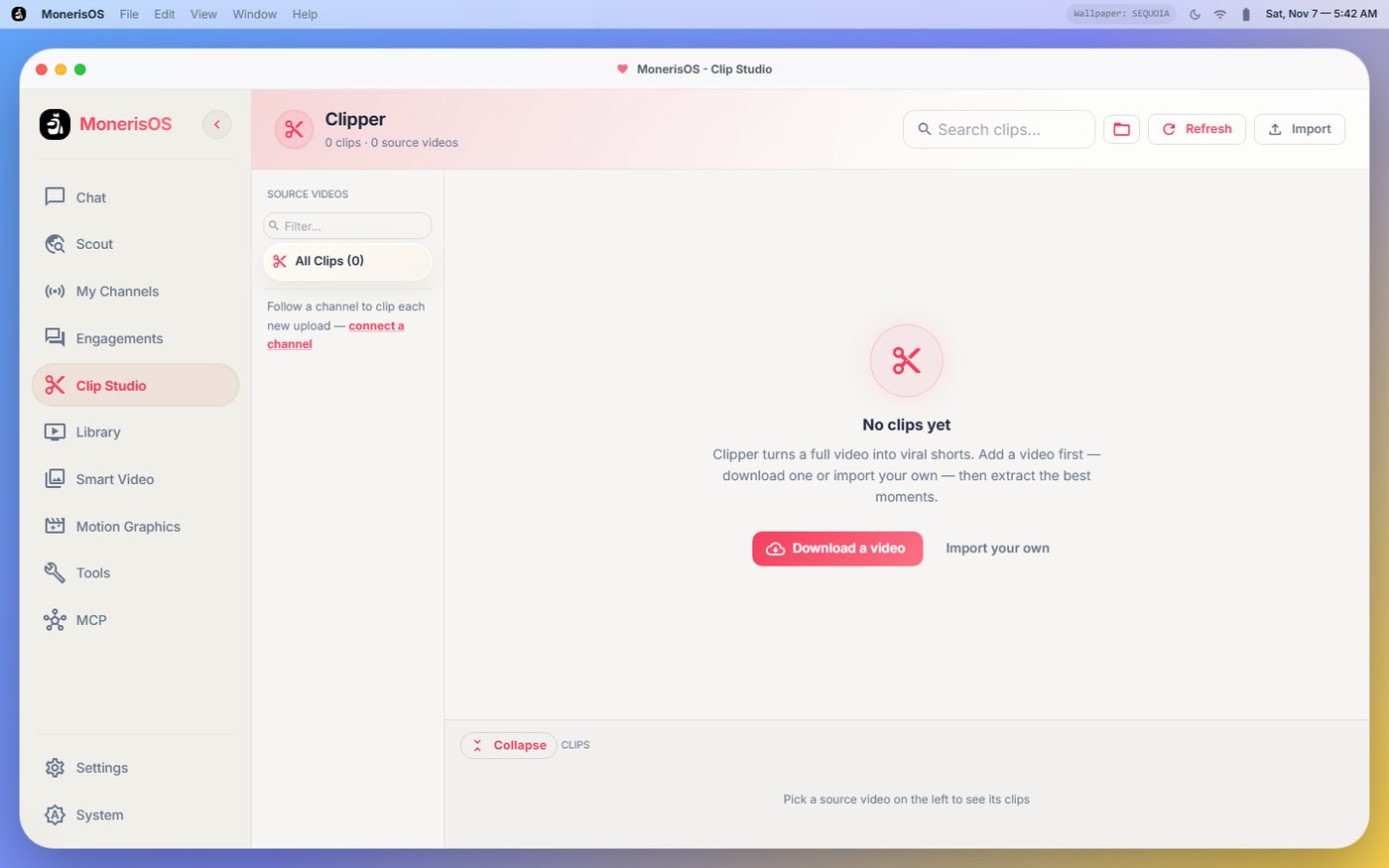
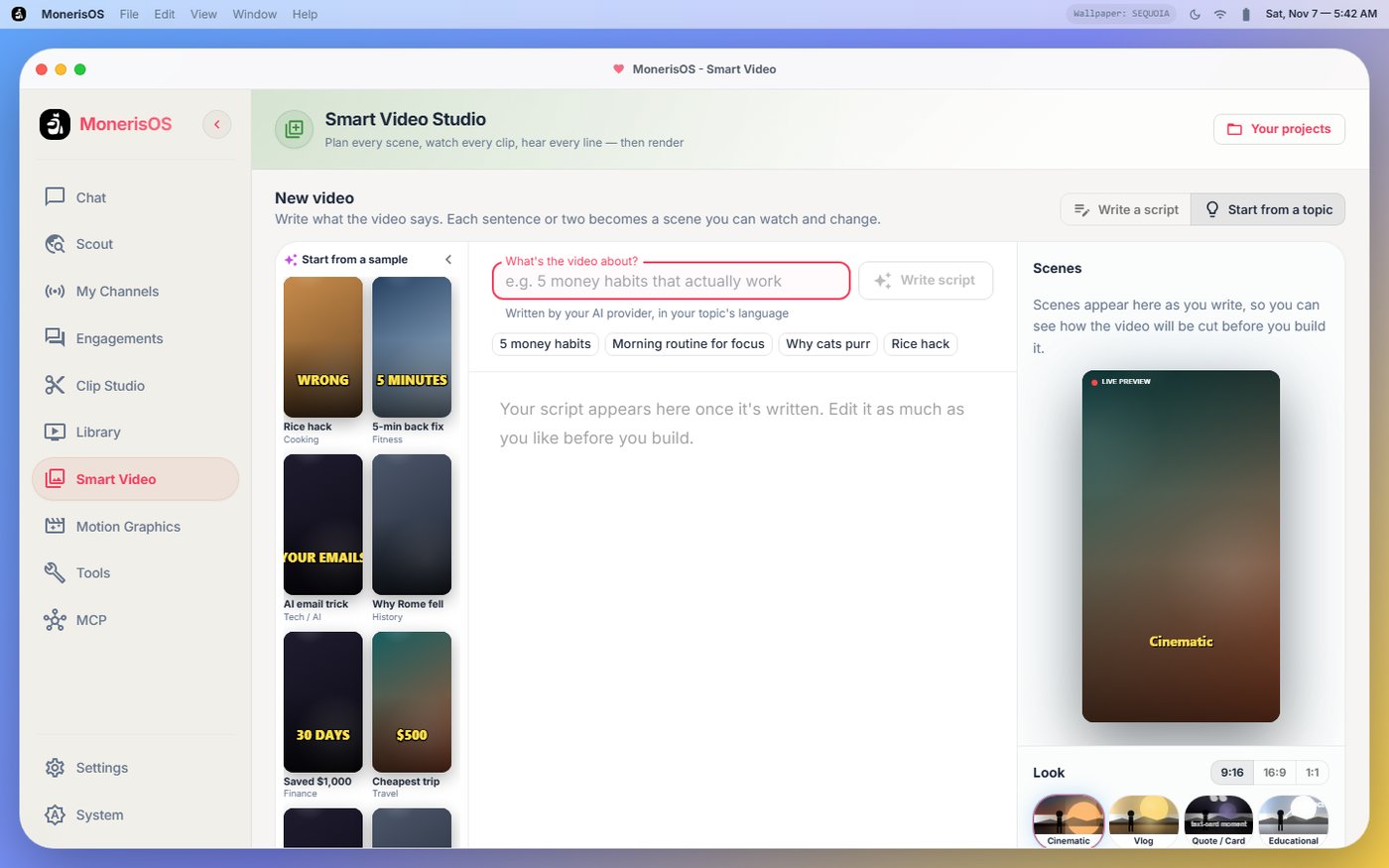
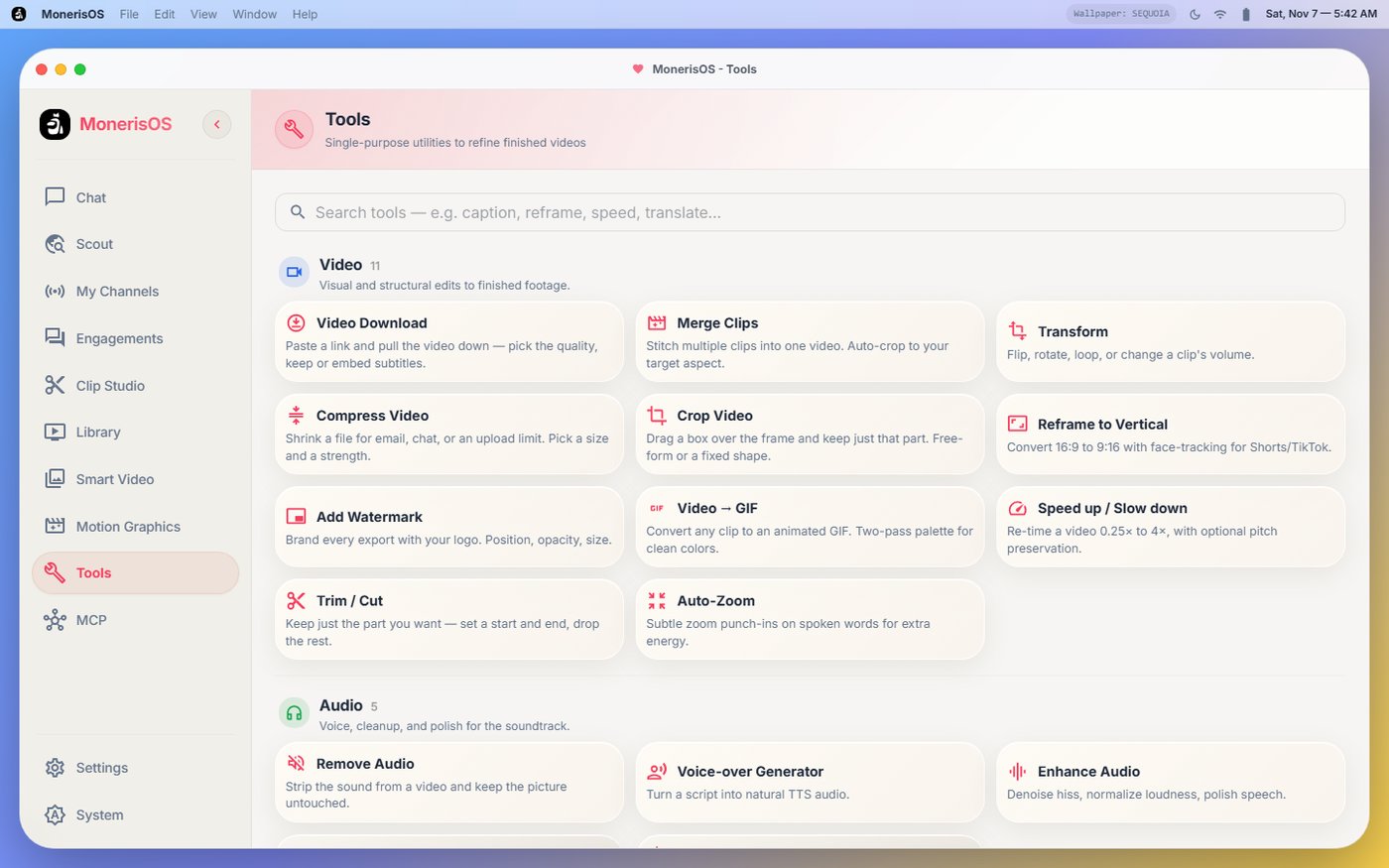
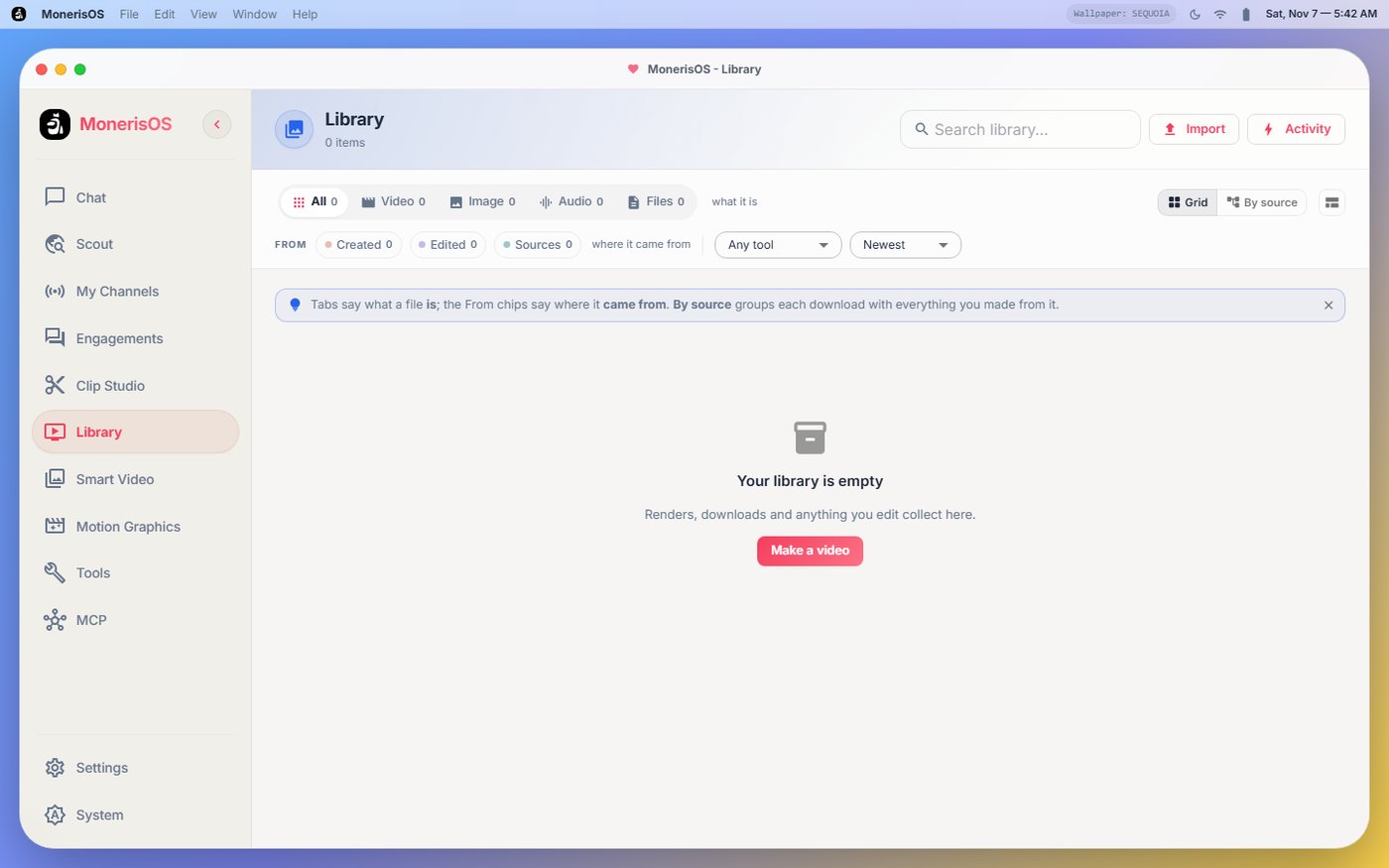
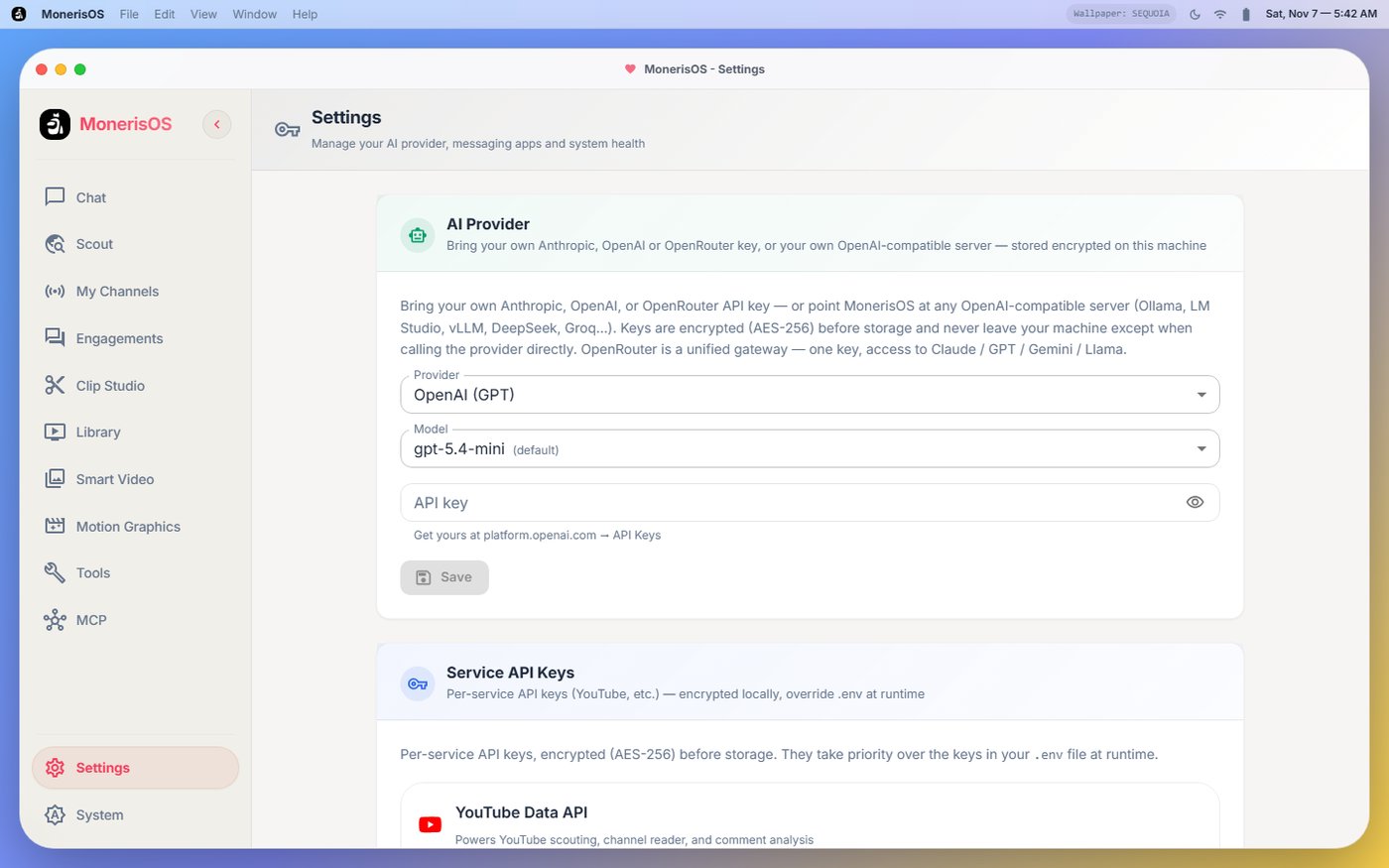
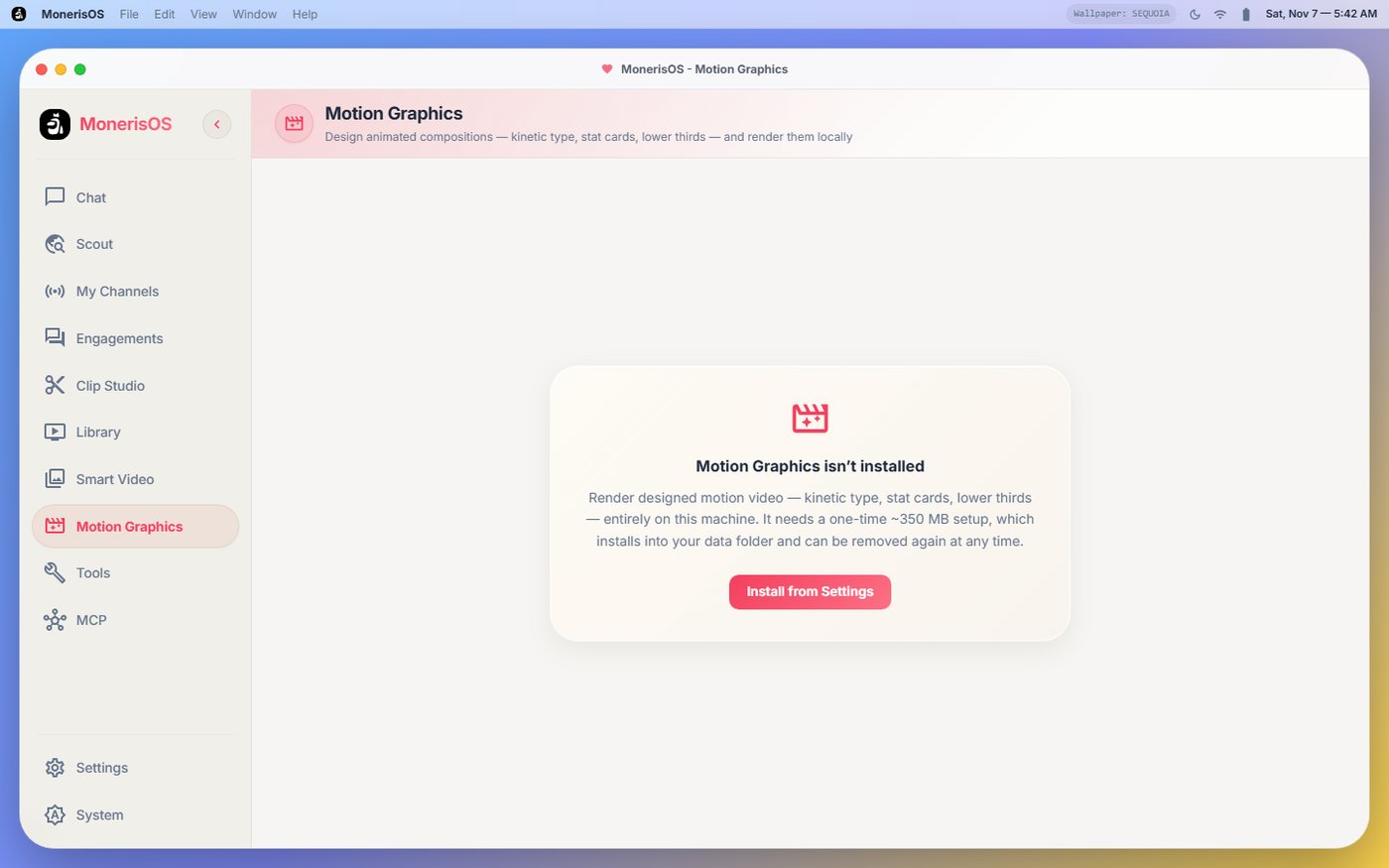
Give them a job
Run one on its own or let the pipeline call it: video, audio and subtitles, all doing their work on your own machine.
merge clips, transform, remove audio, compress video, crop video, add watermark, video → gif, speed up / slow down, trim / cut, auto-zoom, silence remover, music visualizer, export subtitles, transcript downloader, title studio, translate + dub, title / tags / description, auto chapters.
Paste a link and pull the video down: pick the quality, keep or embed the subtitles.
Turn 16:9 into 9:16 with face tracking, framed for Shorts and TikTok.
Denoise hiss, normalise loudness, polish the speech track.
Turn a script into natural speech, scene by scene.
Burn word-by-word captions in a viral, classic or bold style.
Score the first ten seconds and get stronger openings back.
Plans
Thirty days per payment. Change or cancel whenever; the library waits for you.
$9.99per month
For getting started — scout, clip and publish a few videos a month.
$29.99per month
For creators publishing regularly across several channels.
$150.00per month
For studios and agencies running high volume.
Questions
The studio calls whichever provider you configure — Anthropic, OpenAI, OpenRouter, or any OpenAI-compatible server, including a local one. Keys are per account, encrypted with the instance's key, and used only for your own jobs.
In the library of the instance you sign in to. Renders, downloads, transcripts and thumbnails are stored per account and served back to that account only.
The account stays readable until the paid period ends, then the studio locks and the library waits. Re-subscribe and everything is where you left it.
Yes — the project is open source and self-hosting is a documented path. This hosted build is for people who would rather not install ffmpeg, yt-dlp and a Python stack to make a short.
Type it here and it is waiting for you as your first project once the account exists.
Type a topic — it carries through to your first project.